
Admin
Role-based access for your team and families
Separate portals for staff, parents, and students – so each role sees exactly what it needs.

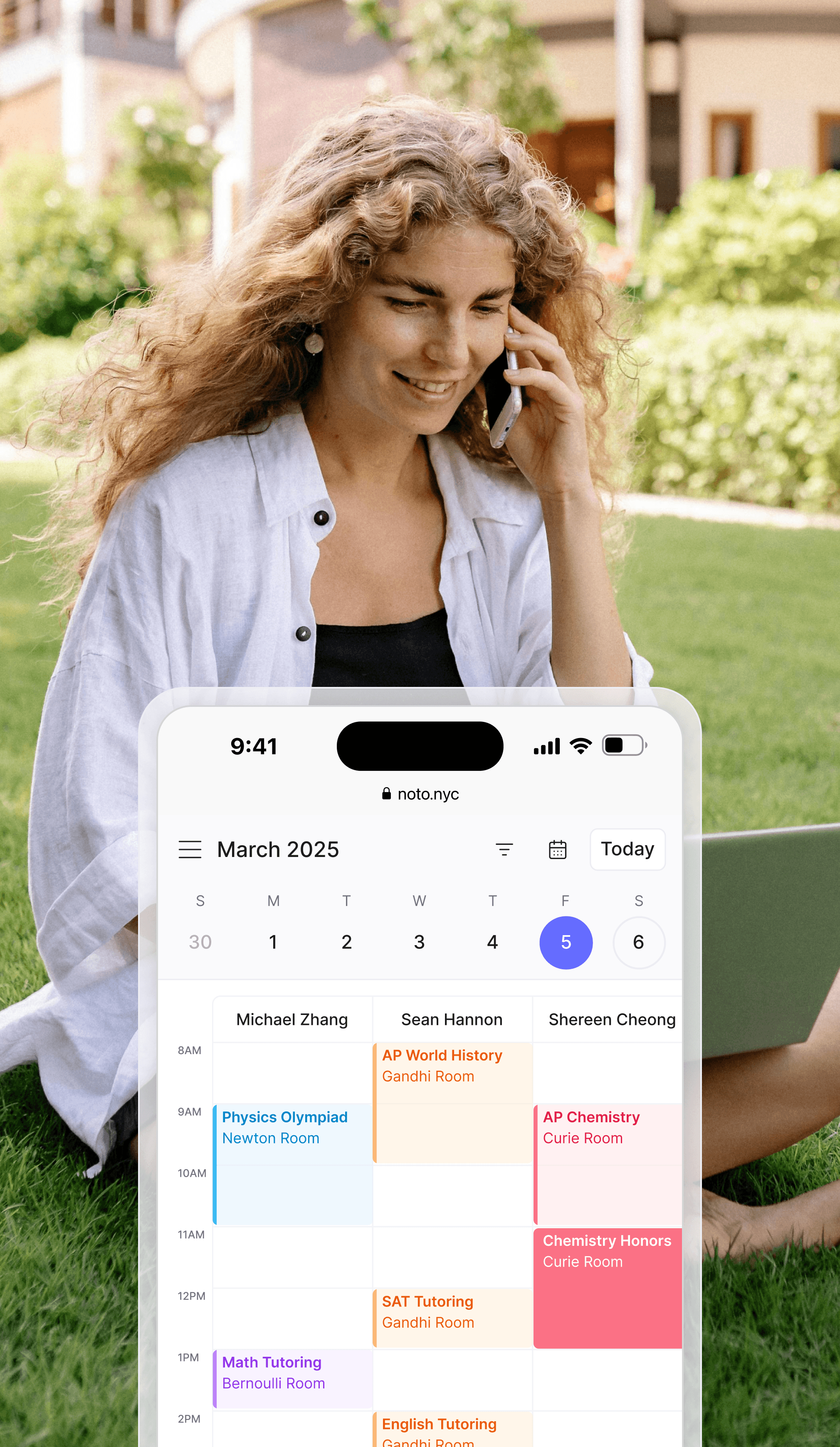
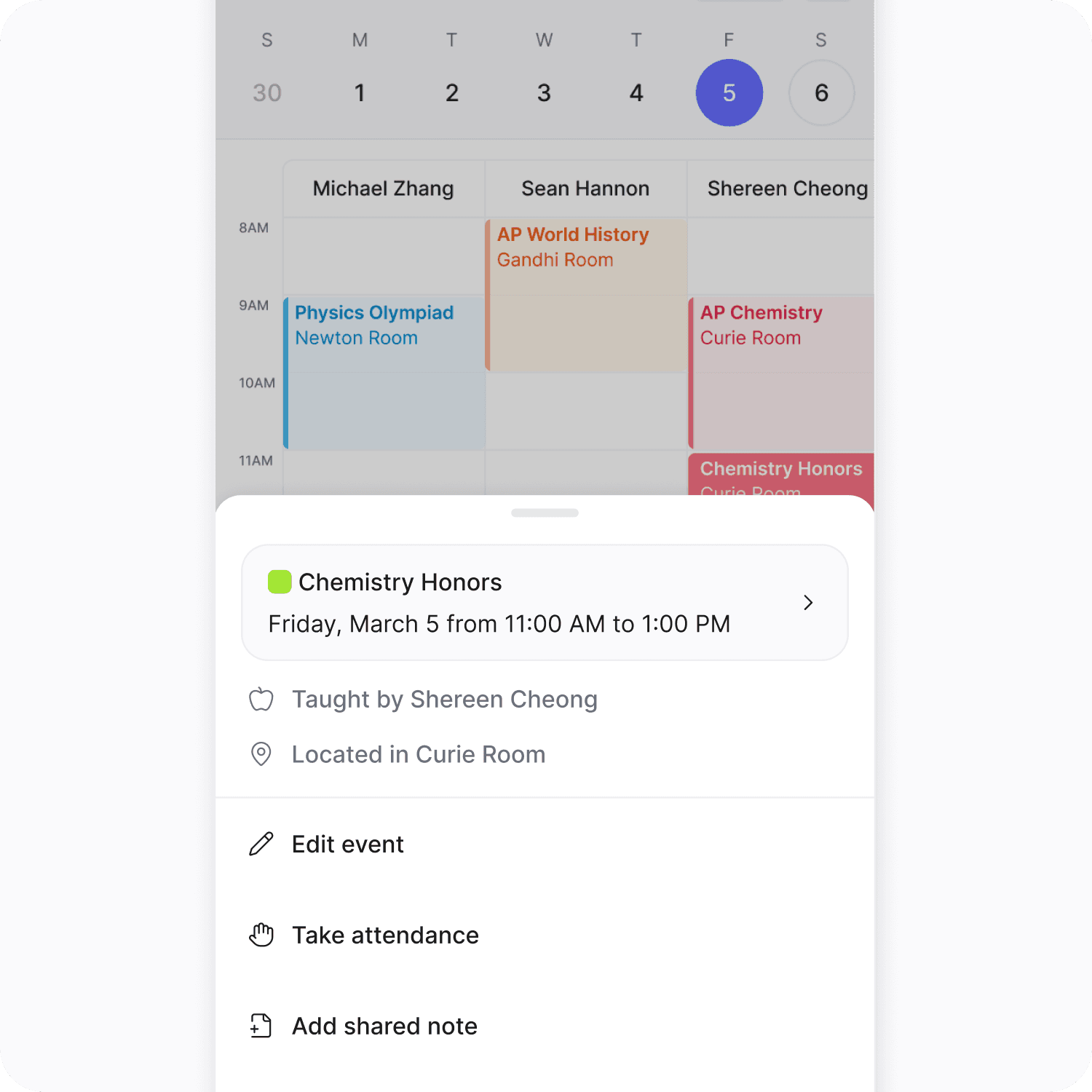
Staff portal
Staff portal
Empower your teachers with their own tools
Empower your teachers with their own tools
Teachers can view and manage upcoming classes and availability
Teachers can view and manage upcoming classes and availability
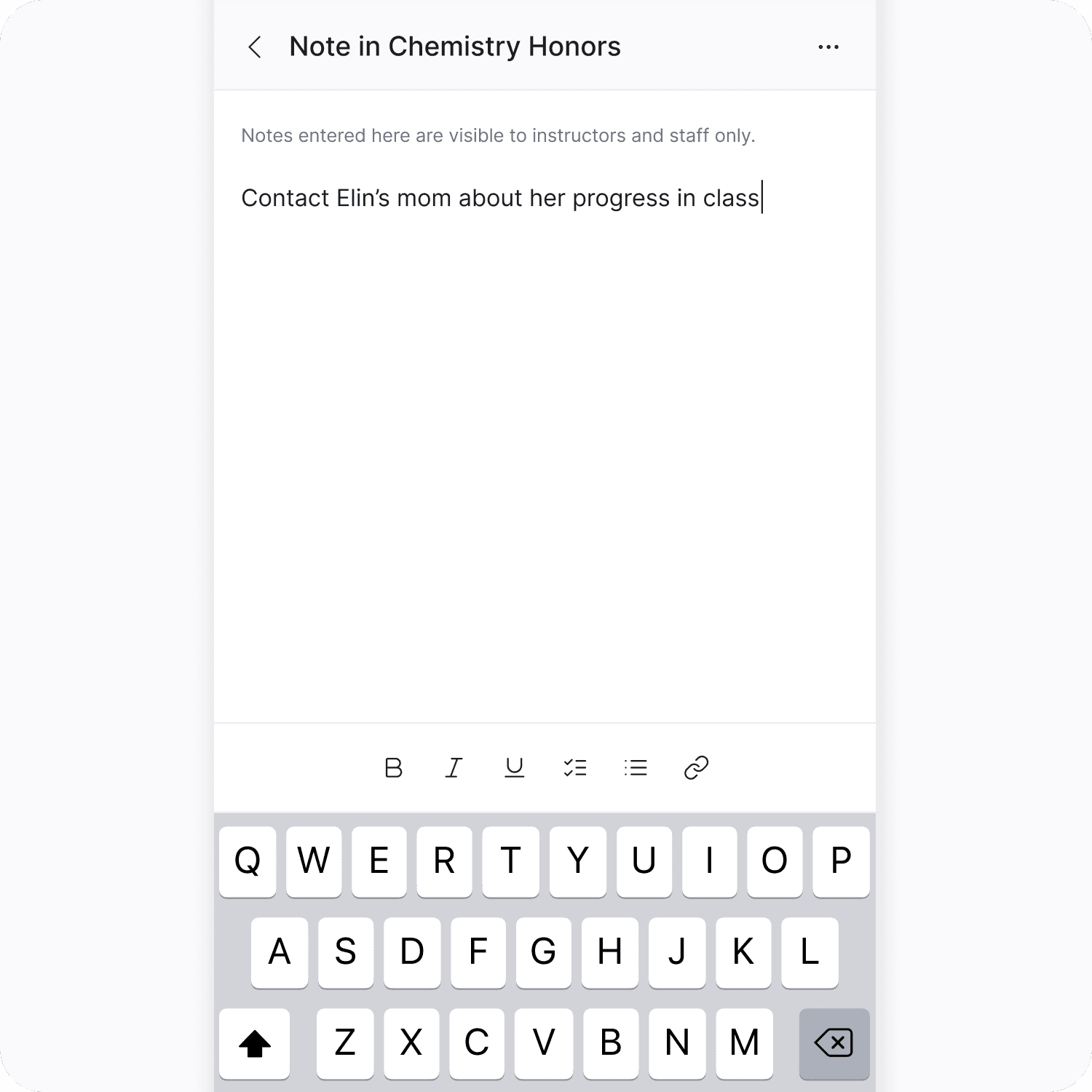
Record lesson notes and student progress
Record lesson notes and student progress
Communicate with parents and students in one place
Communicate with parents and students in one place
See expected payouts and update personal details
See expected payouts and update personal details
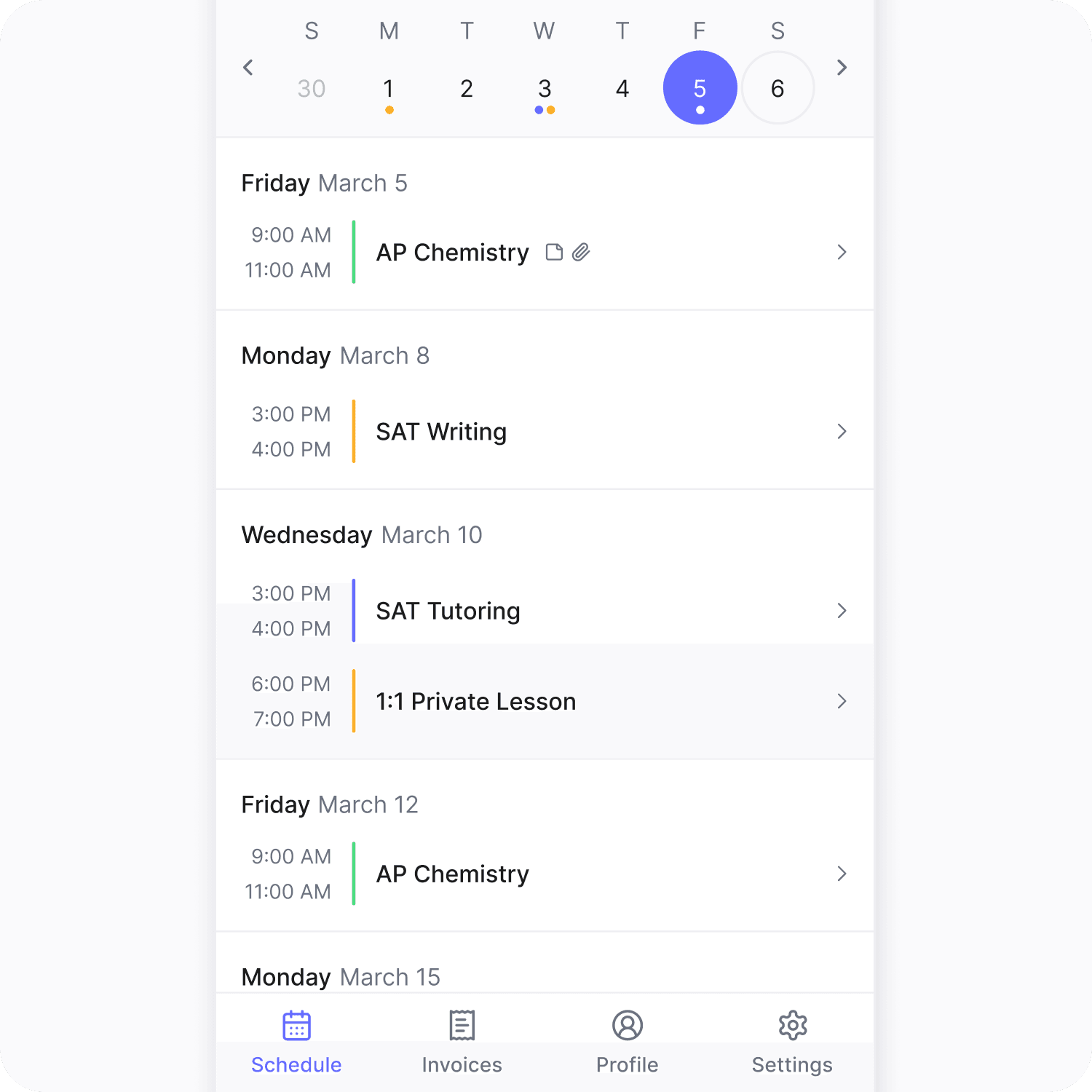
Parent & student portals
Parent & student portals
Parents handle payments and bookings while students stay focused on their lessons and assignments
Parents handle payments and bookings while students stay focused on their lessons and assignments
Noto configures what each role can access – parents see billing and progress, students see their schedule and assignments
Noto configures what each role can access – parents see billing and progress, students see their schedule and assignments
Check class schedules and upcoming lessons
Check class schedules and upcoming lessons
Make payments, update billing information and see past invoices (parent portal only)
Make payments, update billing information and see past invoices (parent portal only)
Book new lessons or request make‑ups
Book new lessons or request make‑ups
View progress notes and files uploaded by teachers
View progress notes and files uploaded by teachers
Admin controls
Admin controls
You decide what each person can see and do without fielding constant requests
You decide what each person can see and do without fielding constant requests
Role‑based permissions ensure staff, parents and students only see what they need
Role‑based permissions ensure staff, parents and students only see what they need
Administrators retain control while reducing back‑and‑forth emails
Administrators retain control while reducing back‑and‑forth emails
Everything in one place – no more juggling multiple apps or spreadsheets
Everything in one place – no more juggling multiple apps or spreadsheets



Have questions?
What Is Noto ?
Why Noto?
How do I change my system to Noto?
Subscribe to our newsletter
No spam, we promise. Featuring learnings and insights on how to run a better business.
© Copyright 2026, All rights reserved by Noto


Subscribe to our newsletter
No spam, we promise. Featuring learnings and insights on how to run a better business.
© Copyright 2026, All rights reserved by Noto
Subscribe to our newsletter
No spam, we promise. Featuring learnings and insights on how to run a better business.
© Copyright 2026, All rights reserved by Noto
Subscribe to our newsletter
No spam, we promise. Featuring learnings and insights on how to run a better business.
© Copyright 2026, All rights reserved by Noto